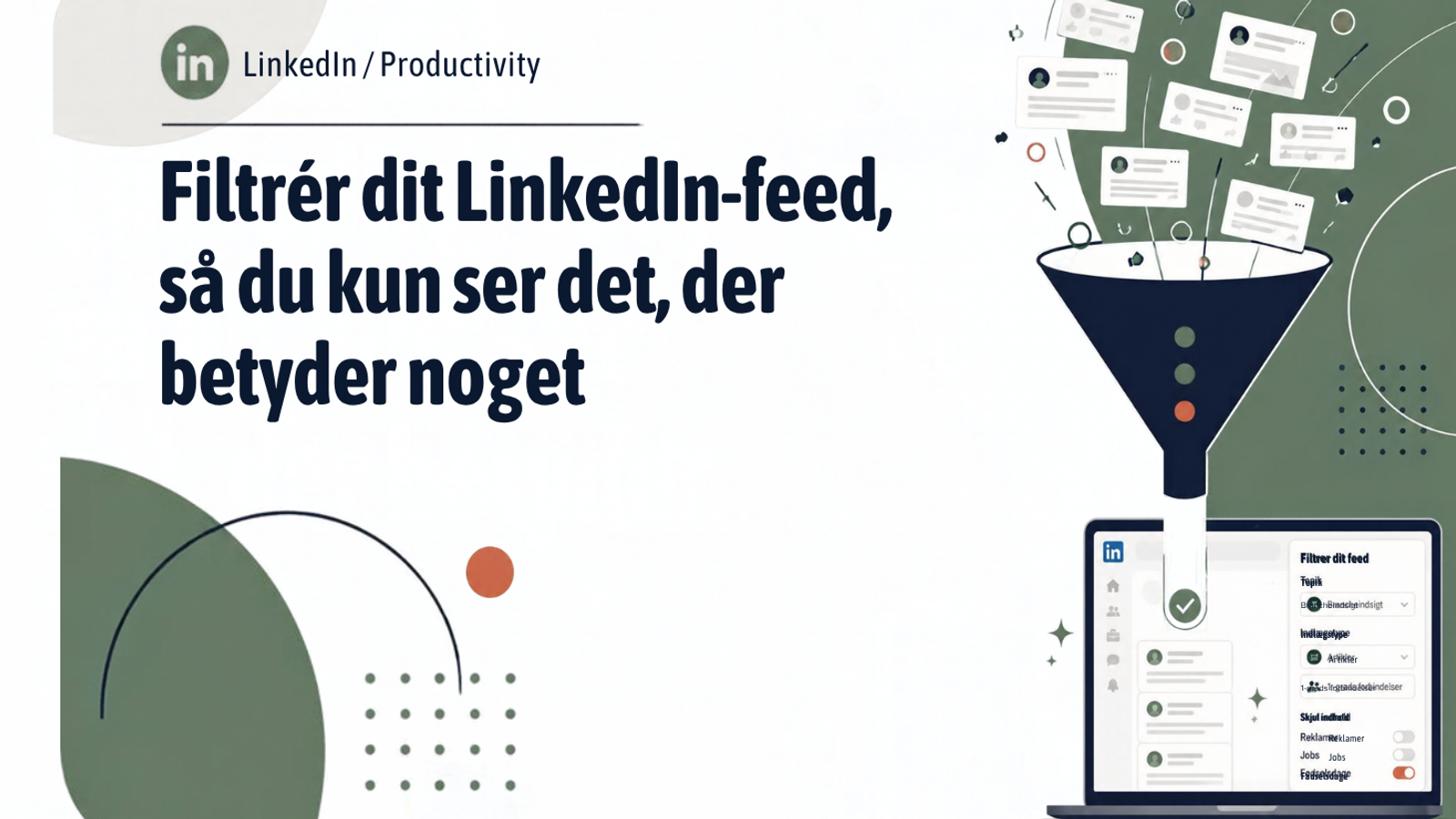
- Use LinkedIn search, filtered to "Posts", to build a tailored feed
- Pick 10-20 people who share content of real value to your industry
- Narrow it down to "Past week" for a feed free of algorithm noise and ads
- The method works just as well for keeping an eye on customers as on competitors
Do you want to be more active on LinkedIn, but find it hard to spot the professional posts where you actually have something to contribute? The challenge is rarely a lack of content. LinkedIn’s feed is packed. The challenge is that the algorithm does not necessarily show you what is relevant to you.
The fix: build your own feed with search filters
LinkedIn search has a filter that very few people actively use for this purpose. Go to the search bar at the top and filter the results to "Posts". From there you can filter further on specific people: choose 10-20 profiles that share content of real value within your industry, and limit it to the past week.
- Open the search bar and run a broad search (for example on an industry or a topic)
- Filter the results to "Posts"
- Add the "From member" filter and enter your 10-20 chosen profiles
- Set the date posted to "Past week"
The result is a personal feed of relevant posts from exactly the people you have chosen yourself, covering the past week and with no sponsored content. Save the search so you can quickly come back to it.
Why it beats scrolling
The method has three concrete benefits: you spend your time on content that is genuinely valuable to you. You can leave thoughtful comments while the thread is still active. And you can target who you follow closely by industry, audience or area of interest, for example your ideal customers or the most important voices in your field.
It is about quality over quantity in your LinkedIn engagement. With a sharply filtered feed you can contribute meaningfully to the right conversations instead of engaging at random with whatever the algorithm happens to serve up.
Read about Social Selling on LinkedIn